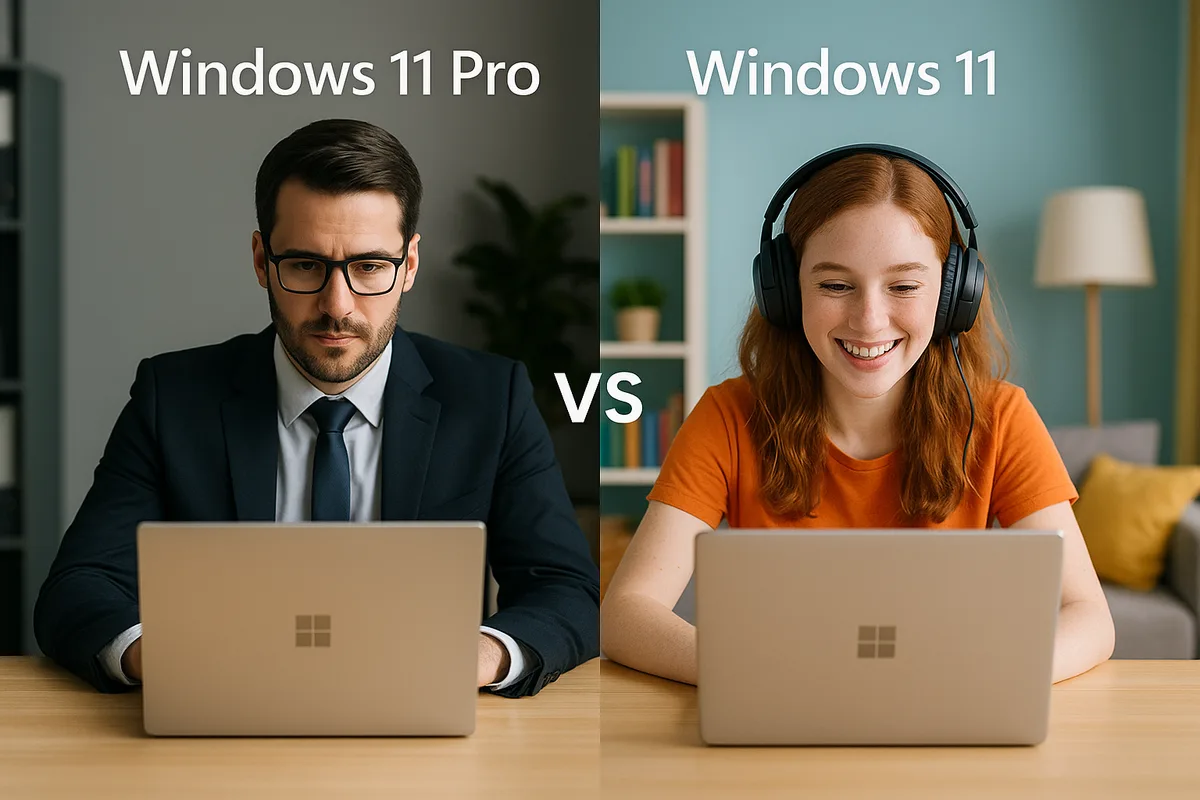
Windows 11 Pro Vs Windows 11 Home: Choosing The Right Edition For You
Introduction: Unveiling Windows 11
Windows 11, officially launched by Microsoft on October 5, 2021, represents a significant evolution in the Windows operating system, introducing a revamped user interface and a host of new features aimed at enhancing productivity and security. The update brought with it a more streamlined design, including the centering of the Start menu and taskbar, improved virtual desktop support, and enhanced gaming capabilities through technologies such as DirectStorage and Auto HDR. With this new operating system, Microsoft aims to create a more efficient working environment that caters to both personal and professional needs, emphasizing the importance of selecting the right edition based on user requirements. Explore the full range of Windows updates and features to maximize your experience with Windows 11.
Key Features Breakdown
Windows 11 Home primarily targets casual users and families. Key features include:
- Gaming Optimizations: Supports DirectStorage and Auto HDR, enhancing gaming performance and visual quality.
- Windows Hello: Provides a fast and secure way to log in using facial recognition or a fingerprint.
- Virtual Desktops: Allows users to create multiple desktops for different purposes (e.g., work, gaming, or personal).
- Snap Layouts and Groups: Facilitates multitasking by enabling better window management for applications.
- Microsoft Store: Access to a wide range of applications, including both traditional desktop and Universal Windows Platform (UWP) apps.
For more detail on which features are included, you can explore our full breakdown of Windows 11 Home vs. Pro.
Windows 11 Pro, on the other hand, is tailored for professionals and businesses, featuring all the capabilities of Home plus:
- Enhanced Security Features: BitLocker drive encryption and Windows Information Protection (WIP) to safeguard data.
- Group Policy Management: Allows IT administrators to manage settings and configurations across multiple devices.
- Enterprise Mode Internet Explorer: Provides compatibility with older web applications.
- Remote Desktop: Lets users connect to their PCs securely from anywhere.
- Hyper-V: Enables creating virtual machines for testing and development.
For an in-depth look at Windows 11 Pro’s offerings, check out our article on Windows 11 Pro vs. Home.
Performance and Security: Which Is Better?
Windows 11 offers distinct performance and security enhancements, particularly in its Pro edition compared to the Home edition.
Performance Enhancements
Windows 11 has introduced significant performance improvements, such as faster startup times and better resource management. Pro users benefit from features like Windows Hyper-V, allowing for the creation of virtual machines, which can enhance productivity through testing and development environments. Additionally, Pro includes Group Policy Management to streamline system settings across multiple devices, which is beneficial for businesses. Improvements such as DirectStorage technology also speed up game load times by allowing games to load directly from the SSD, enhancing overall user experience (source: Microsoft).
Security Features
Regarding security, Windows 11 Pro includes advanced features not available in the Home edition. Key features include BitLocker Drive Encryption, which secures data by encrypting entire drives, and advanced Windows Information Protection (WIP) to manage and protect sensitive business data. Furthermore, Pro comes with Enterprise-grade security features, such as Windows Defender Advanced Threat Protection, which provides additional layers of security to protect against sophisticated threats (source: Microsoft).
In summary, if performance improvements and advanced security features are priorities for your organization, Windows 11 Pro is the superior choice. For a deeper look into the differences between the two editions, check this comprehensive guide on Windows Home vs Pro.
Price and Licensing: Understanding the Cost
The pricing and licensing structure for Microsoft Office 2024, particularly the Pro Plus edition, is designed to cater to a range of needs and budgets. The Office 2024 Pro Plus version typically starts at a retail price of around €499, but various discounts and promotions may be available, often reducing this to approximately €349 for digital licenses.
When considering licensing options, users can choose between a one-time purchase and a subscription model. The one-time purchase allows permanent use of the software but does not include regular updates; in contrast, a subscription through Microsoft 365 offers ongoing updates and cloud features at a monthly fee, generally starting at about €12 per month (Source: Wow Soft).
Furthermore, the choice between Office 2024 and its predecessor, Office 2021 Pro Plus, often hinges on feature enhancements and compatibility with newer systems. Office 2024 introduces several advanced functionalities and improved user interfaces, justifying the price difference for some users (Source: Wow Soft).
Selecting between these options should be guided by usage needs, budget, and the importance of receiving the latest updates. For users who prefer not to have recurring fees, a one-time purchase remains an appealing option. For others, the added benefits of a subscription might make the higher total cost worthwhile in the long run. Educating oneself on these aspects can lead to a better decision regarding which version best fits individual requirements (Source: Wow Soft).
Conclusion: Choosing the Right Edition for You
When selecting the right edition of Windows 11, understanding the differences between Windows 11 Home and Pro is crucial to match your specific needs. Windows 11 Home is tailored for general users who require essential features for everyday tasks like browsing, streaming, and basic gaming. It supports gaming enhancements like DirectStorage and Auto HDR, making it a solid choice for casual gamers. However, it lacks advanced features like BitLocker encryption and support for domain networking, which may be necessary for professional environments.
On the other hand, Windows 11 Pro offers a broader range of tools for power users and businesses, including enhanced security features, remote desktop access, and comprehensive control over updates. BitLocker provides full disk encryption to safeguard your data, while the ability to join a domain is vital for corporate IT infrastructures. If you engage in activities that require advanced security, productivity features, or operate within a professional setting, Windows 11 Pro emerges as the more suitable choice.
Consider your primary activities: if you’re a student or a casual user, Windows 11 Home may be perfectly adequate; for IT professionals or anyone managing sensitive data, Windows 11 Pro stands as the better option. For further insights, you can read a detailed comparison of the two versions here and explore how user needs vary across different scenarios in our guide here.
Sources
- Wow Soft - Office 2024 Pro Plus vs Office 2021 Pro Plus
- Wow Soft - Office 2024 si Microsoft 365 Comparatie
- Wow Soft - Windows Home vs Pro: Which is the Right Choice?
- Wow Soft - Windows 11 Pro vs Home: Diferente Reale in 2026
- Microsoft - Windows 11 Features
- Microsoft - Windows 11 Features
- Wow Soft - Windows Home vs Pro: Care versiune este potrivita pentru tine
- Wow Soft - Windows 11 Pro vs Windows 10 Pro: Care e mai bun pentru tine