Windows 11 Pro Vs Windows 11 Home: Which Edition Is Right For You?
Introduction to Windows 11 Editions
Windows 11 offers a range of features that enhance productivity, security, and user experience. Among its notable elements are the redesigned Taskbar, DirectStorage technology for improved gaming performance, and integration of Microsoft Teams for seamless collaboration. Other key features include enhanced window management with Snap Layouts and Snap Groups, a new Microsoft Store, and support for Android apps via the Amazon Appstore (Source: Wow Soft).
Key Features of Windows 11 Home
Windows 11 Home offers a range of user-friendly features tailored for everyday consumers, greatly enhancing productivity and usability:
- Revamped User Interface: The Home edition introduces a centered Start menu and taskbar, providing a modern look that prioritizes ease of use. Widgets offer personalized news and updates, while Snap Layouts help users efficiently organize open applications (Source: Wow Soft).
- Enhanced Gaming Capabilities: Features like DirectStorage and Auto HDR significantly boost gaming performance by reducing load times and enhancing visual quality; this makes Windows 11 Home an excellent choice for gamers (Source: Wow Soft).
- Integrated Microsoft Teams: This version includes Microsoft Teams directly, facilitating easy communication and collaboration via chat and video calls (Source: Wow Soft).
- Improved Virtual Desktops: Users can create various desktops tailored for different tasks, enhancing organization and flexibility, which allows seamless transitions between personal and professional environments (Source: Wow Soft).
- Enhanced Security Features: Windows 11 Home includes built-in security tools, such as Windows Defender and device encryption, ensuring user data and privacy protection, reinforced by the requirement for Trusted Platform Module (TPM) 2.0 for enhanced hardware security (Source: Wow Soft).
Unlocking the Power of Windows 11 Pro
Windows 11 Pro offers a suite of advanced features specifically designed for professionals and businesses, enhancing productivity and collaboration:
- Virtual Desktops: This feature allows the creation of separate virtual desktops for different tasks, fostering enhanced multitasking capabilities that are essential for businesses (Source: Wow Soft).
- Snap Layouts and Snap Groups: These functionalities improve window management by allowing users to arrange multiple applications into predefined formats, which is particularly beneficial for professionals who need to manage several tasks simultaneously.
- Microsoft Teams Integration: Windows 11 Pro seamlessly embraces Microsoft Teams, offering robust tools for communication and collaboration that are pivotal for remote work (Source: Wow Soft).
- Focus Features: The Focus feature minimizes distractions throughout work sessions, incorporating options like "Do Not Disturb" and scheduled "Focus Sessions" to guarantee uninterrupted productivity.
- Enhanced Security Features: Pro users have access to advanced security options such as BitLocker encryption and Microsoft Defender, crucial for protecting sensitive business data from cyber threats.
- Windows Subsystem for Linux (WSL): This feature enables developers to run Linux tools and applications directly on Windows without a virtual machine, providing immense utility for tech professionals in developing cross-platform applications.
- DirectStorage and Auto HDR: While geared toward enhancing gaming, these features also augment productivity in graphics-intensive tasks by improving application loading times and visual fidelity.
Security and Management: Pro vs Home
Windows 11 Pro and Home editions present distinct features that cater to varying security and management requirements, suitable for diverse user environments.
Security Measures
Windows 11 Pro provides critical security features essential for protecting personal and business data. Notable among these is BitLocker encryption, which secures the hard drive against unauthorized access. While both versions include Microsoft Defender Antivirus, Pro users benefit from enhanced threat detection using Microsoft Defender for Endpoint, which offers advanced protective features (Source: Wow Soft). In contrast, Windows 11 Home lacks these advanced security measures, making it less secure for users handling sensitive data.
System Management Options
When examining system management, Windows 11 Pro excels with features such as Group Policy Management for IT administrators, which allows effective management across multiple devices. Pro also introduces Remote Desktop functionality, enabling users to connect to their PCs on the go, beneficial for remote work settings (Source: Wow Soft). Conversely, Windows 11 Home offers limited management capabilities and lacks various enterprise-focused features, making it less adaptable for business needs.
Which Edition is Right for You?
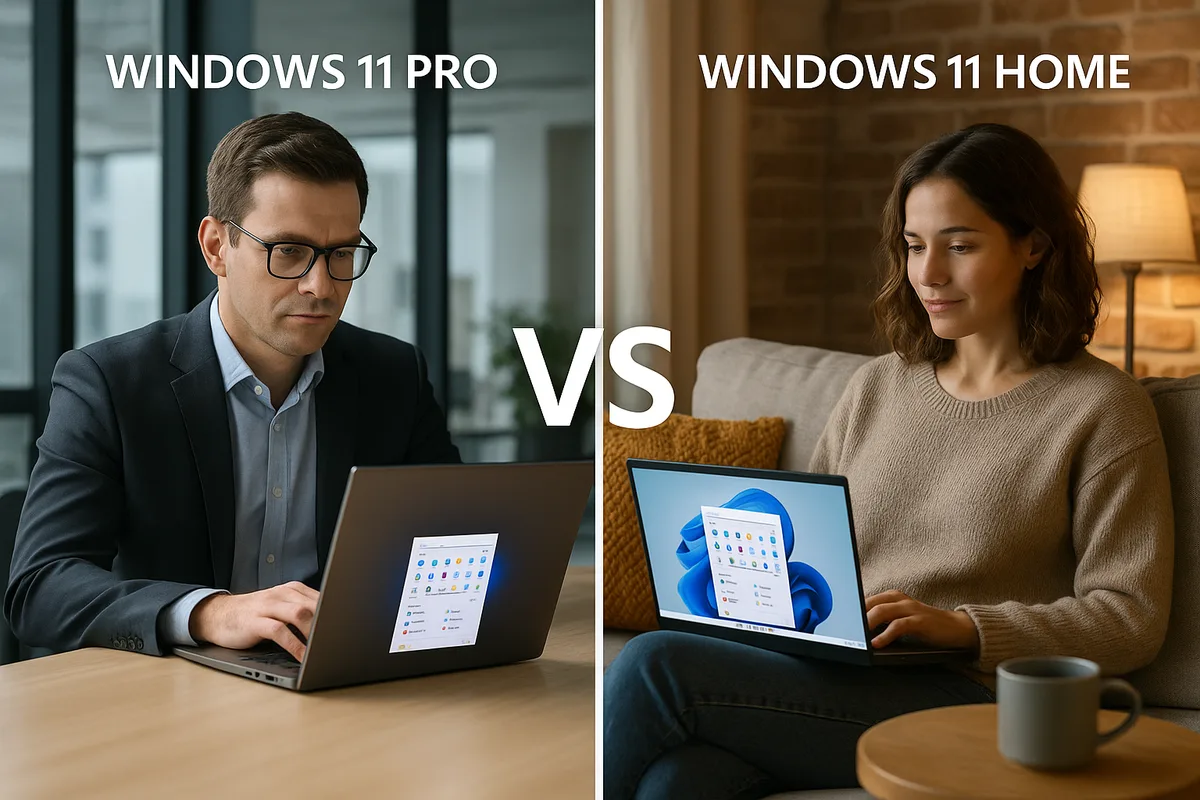
Deciding between Windows 11 Pro and Home largely depends on individual use cases and requirements. Windows 11 Home is tailored for general users and gamers who primarily engage in standard activities like browsing, streaming, and light productivity. It offers essential features including a redesigned Start menu and enhancements for gaming performance.
On the other hand, Windows 11 Pro caters to professionals and businesses needing advanced security protocols and remote desktop capabilities. Pro users access features like Hyper-V, which is useful for developers and IT professionals managing multiple devices and requiring elevated security measures.
For those requiring a dynamic management environment or enhanced security, Windows 11 Pro presents the optimal choice. Meanwhile, casual users can find satisfaction in the functionalities offered by Windows 11 Home, which adequately meets their daily computing needs. For a more detailed analysis of features between the two editions, refer to our article on Windows Home vs Pro: Care versiune este potrivită pentru tine?.
Sources
- Wow Soft - Microsoft renunță la suportul pentru Windows 10: Ce trebuie să știi
- Wow Soft - Windows 11 Home vs Pro: Care este alegerea potrivită
- Wow Soft - Windows Home vs Pro: Care este potrivită pentru tine?
- TechRadar - Windows 11 Home vs Pro: What the Difference and Which One Should You Buy